|
Size: 751
Comment:
|
← Revision 3 as of 2010-07-08 11:46:08 ⇥
Size: 791
Comment:
|
| Deletions are marked like this. | Additions are marked like this. |
| Line 20: | Line 20: |
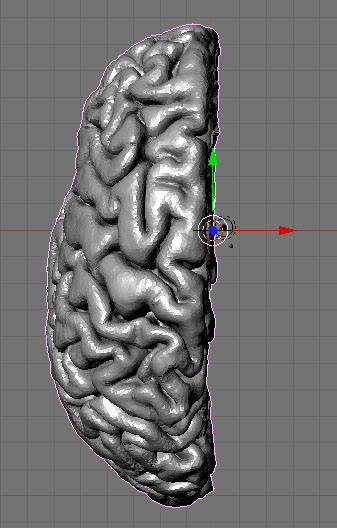
{{attachment:brainModelBlender.jpg}} |
Sometimes the Visualization apps included in FreeSurfer cannot generate some rendering we need to publish a paper or make some presentation. One solution for this is to import this surface into the freeware open source application Blender.
Blender can be downloaded at this address: www.blender.org and it has version for Windows, Mac and Linux.
Step 1
Converting FreeSurfer surface into some Blender compatible format
cd your_subject_dir/surf
mris_convert lh.pial lh.pial.stl
Step 2
Import surface into Blender
a) File -> Import -> STL... b) Select the STL file and right-click it c) Press import STL button