
Windows VM Install & Setup
Download and install the VirtualBox application for Windows from VirtualBox
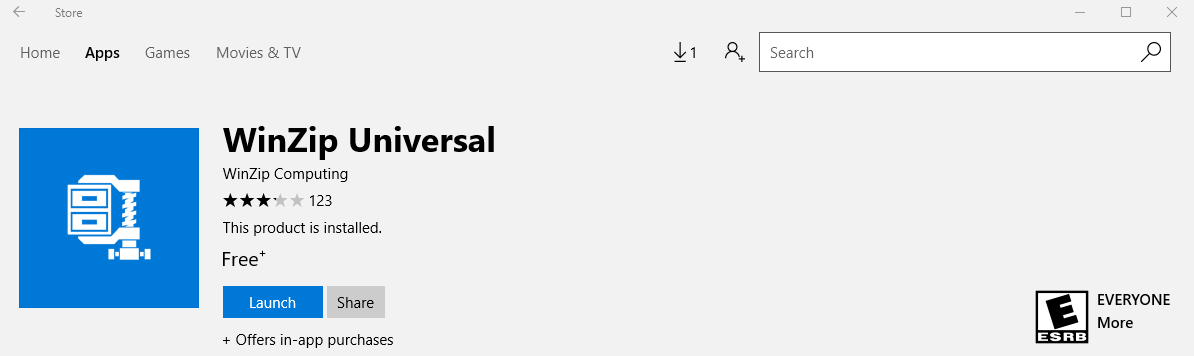
Download and install an unzip program for 7 zip files (.7z) from the windows app store if you do not already have one. The Winzip Universal application is one that will work.
Download the virtual disk image of the VM FStutorial_clone_2.7z image. Please note the compressed size of this file is ~30G and the uncompressed file size will be ~60G. The assumption below is there is enough free disk space in your Downloads folder to accommodate the compressed file.