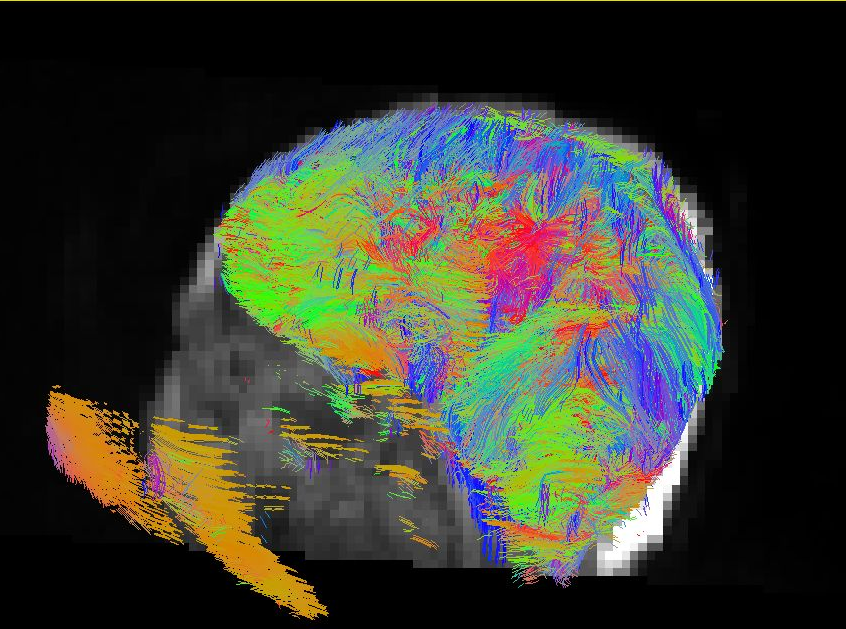
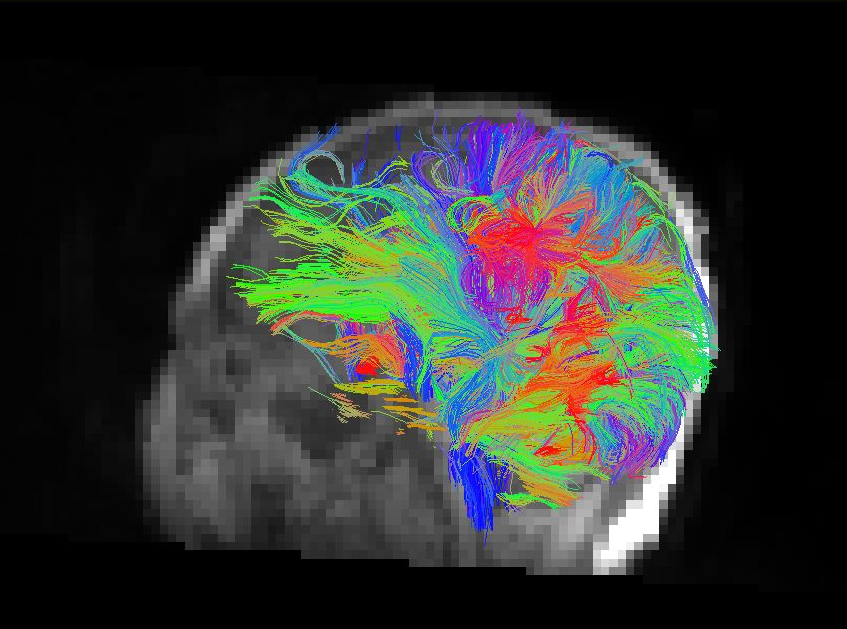
|
Size: 1031
Comment:
|
← Revision 11 as of 2018-09-30 15:28:48 ⇥
Size: 988
Comment:
|
| Deletions are marked like this. | Additions are marked like this. |
| Line 1: | Line 1: |
| Line 5: | Line 3: |
| This tool filter streamlines from a *.trk that are: (1) outside a mask, (2) shorter than a length threshold, (3) u-shape fibers based on a segmentation file. | This tool filter streamlines from a *.trk file based on: * a mask; * length; * u-shape fibers based on a segmentation file.; |
| Line 25: | Line 26: |
| -nu no ushape fibers. This flag will remove every streamline that starts and ends with the same segmentation label. (-m flag should input a segmentation file for this). | -nu no ushape fibers. This flag will remove every streamline that starts and ends with the same segmentation label. (-m flag should input a segmentation). |
Filtering Streamlines
This tool filter streamlines from a *.trk file based on:
- a mask;
- length;
- u-shape fibers based on a segmentation file.;
Usage
streamlineFilter -i input.trk -o output.trk <options>
where
-i input streamline.trk file (required)
-o output streamline.trk file (required)
-l threshold length. Streamlines shorter than a threshold will be removed.
-r reference image
-m mask image. All streamlines outside the mask will be removed. This input doesn't need to be binary, streamlines passing through voxels with intensity larger than zero will be kept.
-nu no ushape fibers. This flag will remove every streamline that starts and ends with the same segmentation label. (-m flag should input a segmentation).
-s subsampling number. It will randomly pick a subset of the streamlines in the file.